
Cloud ERP Versus On-Premise for Growing Firms
October 6, 2026
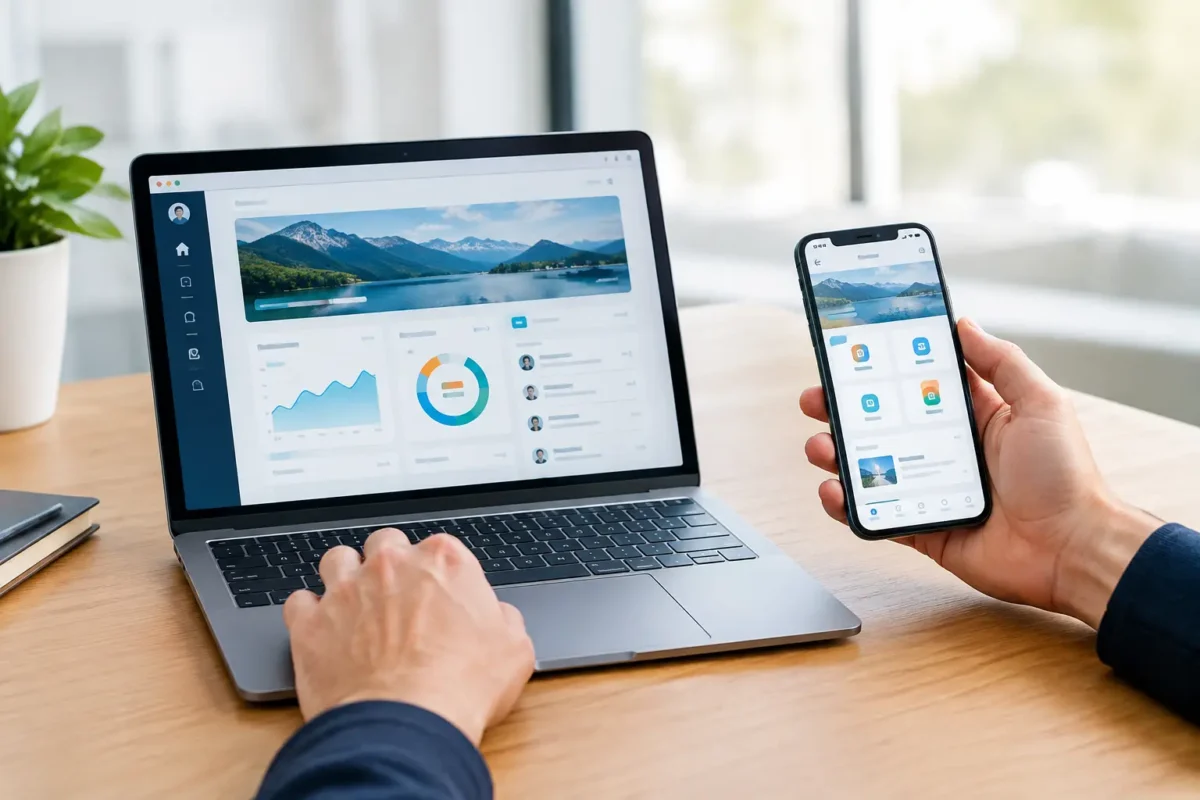
A clinic wants patients to schedule visits, complete forms, view records, and pay bills. A distributor needs customers to place orders, check inventory, and download invoices. A field-service company needs technicians to receive work orders while traveling. These may sound like the same project, but the portal versus mobile app decision changes the budget, user experience, security requirements, and long-term operating model.
The right answer is rarely about following a technology trend. It is about understanding where users work, what they need to accomplish, how often they return, and what business systems the solution must connect to. For many organizations, a well-built portal creates more value than a standalone app. For others, mobile access is central to service delivery and employee productivity.
Portal Versus Mobile App: The Core Difference
A portal is a secure, web-based environment that gives specific users access to information, workflows, and services. Customers, employees, vendors, patients, partners, and administrators can log in through a browser from a desktop, laptop, tablet, or phone. Common examples include patient portals, customer account dashboards, vendor portals, employee intranets, and B2B ordering systems.
A mobile app is software installed on an iPhone or Android device. It is designed around mobile interactions and can use phone-specific capabilities such as push notifications, cameras, GPS, biometrics, contacts, and offline storage. Apps are often the better fit when users are moving, need quick repeat actions, or depend on device hardware to complete their work.
The distinction is not simply desktop versus phone. A modern responsive portal can work well on a phone, while an app may still need a web-based administration portal behind it. The real question is whether your primary workflows benefit enough from native mobile features to justify the additional investment.
When a Custom Portal Is the Better Business Choice
Portals are usually the strongest starting point for organizations with complex workflows, multiple user roles, or information-heavy transactions. They are particularly useful when users need to review documents, manage accounts, submit requests, collaborate with staff, or access data from a larger screen.
For example, a Houston healthcare practice may need a patient portal where users complete intake forms, request refills, access telemedicine links, view payment history, and exchange secure messages. Staff may need separate permissions for scheduling, billing, care coordination, and reporting. That is fundamentally a role-based business system, and a custom portal can organize those functions in one secure location.
A portal also makes sense for B2B operations. A manufacturer or distributor might give customers access to catalogs, contract pricing, order status, invoices, and support requests. Those users may log in weekly or monthly, often from an office computer. Requiring them to install an app adds friction without necessarily improving the experience.
Portals offer several practical advantages:
- They are accessible across devices without an app-store download.
- Updates are deployed centrally, so every user accesses the current version immediately.
- They support detailed dashboards, reporting, document management, and administrative controls effectively.
- They are often more cost-efficient for broad audiences and complex back-office workflows.
A portal can also support stronger search visibility for public-facing content. Secure account areas are generally not indexed, but the website around the portal can be structured to attract qualified traffic through local SEO, service pages, educational content, and conversion-focused landing pages. That makes a portal a natural extension of a business website rather than a disconnected digital product.
When a Mobile App Delivers More Value
A mobile app is justified when the phone itself is central to the user experience. Consider a home health provider whose clinicians travel between appointments. They may need to view schedules, capture signatures, upload photos, document care in low-connectivity areas, and receive urgent notifications. Native mobile capabilities can improve speed, accuracy, and staff adoption in ways a browser-based tool may not.
Apps are also effective for high-frequency consumer interactions. A loyalty program, fitness platform, delivery service, or appointment-driven business may benefit from push notifications, saved preferences, mobile payments, and quick repeat engagement. If customers interact several times a week, placing an icon on their home screen can have measurable value.
However, an app is not automatically more convenient. Users must find it, download it, create an account, accept permissions, and keep it updated. If they only need the service once or twice a year, that effort can reduce adoption. A browser-based portal or responsive website may provide faster access with fewer barriers.
Native app development also requires planning for iOS and Android testing, operating system updates, app-store policies, release approvals, and device variation. These are manageable requirements, but they should be included in the total cost of ownership rather than treated as a one-time build expense.
Compare the Decision Through Business Requirements
The best portal versus mobile app decision begins with your workflows, not a feature wish list. Start by identifying the primary user groups and the actions they need to take. A customer checking an invoice has different needs than a driver confirming a delivery or a nurse documenting a patient visit.
User location and behavior
If users work primarily at desks, need to read reports, upload documents, or manage detailed records, a portal is usually the better experience. If they work in the field, need navigation, scan barcodes, use a camera, or act quickly between tasks, mobile functionality becomes more valuable.
Frequency matters as well. A mobile app is easier to justify when usage is frequent and habitual. For occasional tasks, a secure portal accessed through a browser generally creates less friction.
Data complexity and integrations
Business systems often need to connect with CRM platforms, ERP software, payment processors, scheduling tools, inventory databases, electronic health record systems, or marketing automation platforms. The complexity of those integrations may be more important than the front-end format.
A portal often becomes the central operating layer where stakeholders see data from multiple systems in one place. An app can use the same APIs and data services, but it should not duplicate business logic unnecessarily. A well-designed architecture allows an organization to add a mobile app later without rebuilding the core platform.
Security, privacy, and compliance
Security requirements should shape the solution from the beginning. This is especially true for healthcare, finance, legal services, and organizations handling sensitive customer data. Role-based access, multi-factor authentication, encryption, audit trails, session controls, secure messaging, and data retention policies should be designed around the actual risk profile.
A mobile app introduces additional considerations, including device loss, local data storage, operating system permissions, and mobile session management. A portal has its own risks, particularly around account access and browser security. Neither format is inherently secure on its own. Security depends on the architecture, coding practices, identity controls, hosting environment, monitoring, and ongoing maintenance behind the experience.
Cost, maintenance, and speed to market
A responsive custom portal is often faster and less expensive to launch because it can serve multiple device types from one codebase. It is especially efficient when the priority is digitizing internal operations, replacing spreadsheets, centralizing customer communication, or creating a self-service account area.
A native mobile app typically increases development and quality-assurance requirements. Businesses should budget for ongoing updates, support, analytics, user feedback, and feature releases. The added investment is worthwhile when mobile-specific functionality creates revenue, reduces labor, improves compliance, or protects a critical customer relationship.
A Hybrid Strategy Often Produces the Best Result
Many growing organizations do not need to choose one format forever. They need a phased digital platform strategy. Start with a secure, responsive portal that establishes the data model, user roles, integrations, and reporting foundation. Then build a mobile app for the workflows that genuinely benefit from native device access.
For instance, a pharmacy management platform might use a web portal for administrators, pharmacists, and reporting staff, while offering a mobile app for patients who need refill reminders, prescription status updates, and secure notifications. A service business may use a portal for dispatchers and managers while providing technicians with a purpose-built mobile workflow.
This approach prevents a common mistake: building an expensive app before proving which features users will actually adopt. It also creates a stronger technical foundation for future expansion, including CRM automation, customer dashboards, AI-assisted workflows, and additional locations.
Questions to Answer Before You Build
Before approving development, decision-makers should be able to answer a few direct questions. Who will use the system most often? What are the highest-value actions they need to complete? Do those actions require camera access, location services, offline mode, or push notifications? Which existing systems must connect? What data is sensitive, regulated, or business-critical? How will success be measured after launch?
The answers should produce a clear scope, not just a collection of screens. A successful project defines user roles, workflow rules, integration requirements, performance expectations, security controls, and a support plan. It also identifies what should be built now and what can wait until real users provide feedback.
For businesses that need a custom solution, AdonisTechs approaches portal and mobile development as an operational investment. The objective is not to add technology for its own sake. It is to reduce manual work, improve service delivery, protect data, and create a scalable platform that supports measurable growth.
Choose the format that makes the next important action easier for your users and more reliable for your team. When that standard drives the decision, the platform becomes a business asset instead of another system people avoid using.