
How Much Does Custom Software Cost in 2026?
July 26, 2026
Small Business IT Support That Prevents Downtime
July 28, 2026
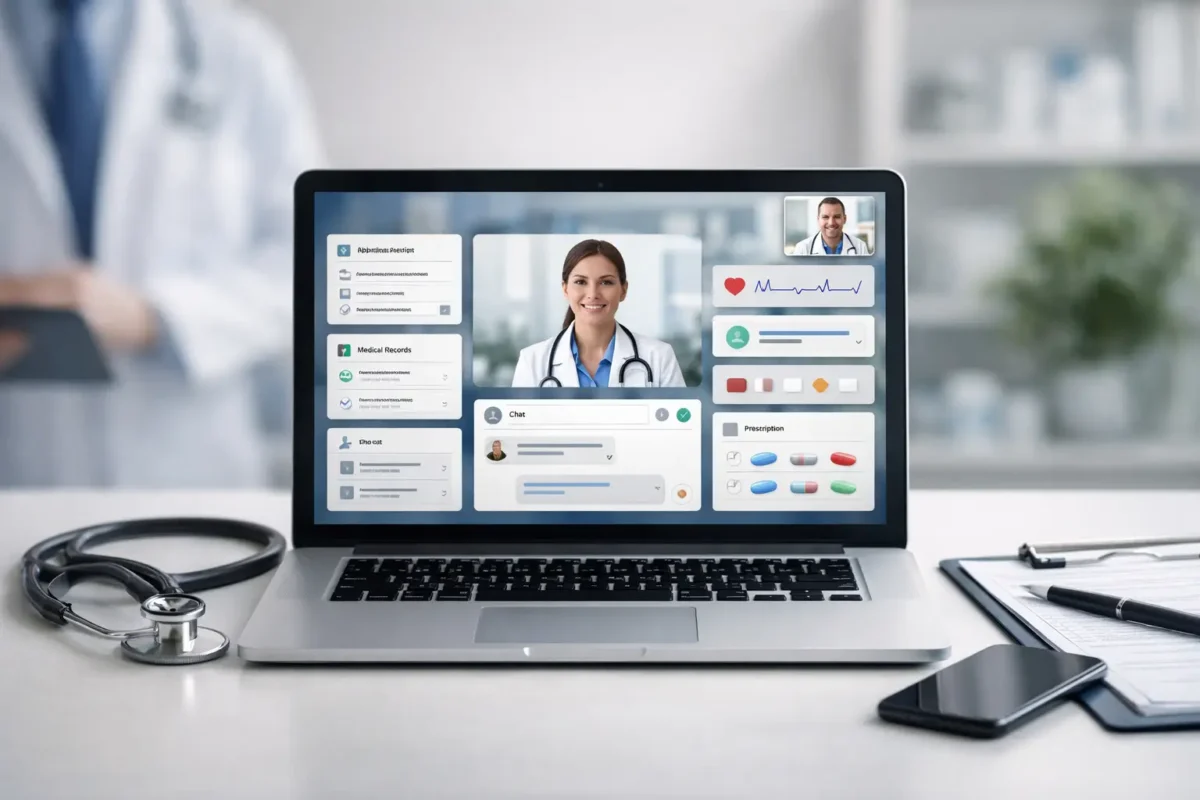
A patient calls your front desk to ask for lab results, another needs to reschedule an appointment, and a third has a medication question that does not require an office visit. Without an effective portal, each request becomes a phone call, manual task, or delayed response. The best healthcare portal features give patients a practical self-service option while helping clinics protect staff time, improve communication, and deliver a better care experience.
A healthcare portal is not simply a login page connected to an electronic health record. It is a patient-facing operational tool. When designed around real workflows, it can reduce administrative friction, support continuity of care, and give a growing practice a more professional digital foundation. The right feature set depends on the organization, but certain capabilities consistently produce meaningful results.
What Makes Healthcare Portal Features Worth the Investment?
For a small clinic, a med spa, pharmacy, telemedicine provider, or multi-location healthcare organization, portal development should start with operational goals. A practice with overloaded phone lines may prioritize online scheduling and messaging. A provider serving patients remotely may need telehealth, digital intake forms, and secure document exchange. A pharmacy may need prescription refill requests and status notifications.
The goal is not to add every possible function. More features can create confusion, increase support needs, and make the portal harder to maintain. The best platforms are custom-built around the services a business provides, the systems it already uses, and the actions patients need to complete most often.
10 Best Healthcare Portal Features for Modern Practices
1. Secure Patient Registration and Profile Management
Registration is often the first test of a portal. Patients should be able to create an account, verify their identity, update contact details, manage communication preferences, and maintain basic demographic information without calling the office.
This reduces repetitive data entry for staff and helps prevent errors caused by outdated phone numbers, addresses, insurance information, or preferred pharmacies. For healthcare organizations, identity verification and role-based access controls are essential. The portal must confirm that the person accessing the account is authorized to view that information.
2. Online Appointment Scheduling and Changes
Online scheduling is among the most valuable healthcare portal features because it addresses a high-volume administrative task. Patients should be able to view available appointment types, select a provider or location when appropriate, and receive confirmation without waiting on hold.
The system should also allow patients to cancel or request rescheduling within rules set by the practice. Those rules matter. A clinic may require a 24-hour cancellation window, while a telemedicine provider may have different availability and intake requirements. Custom scheduling logic keeps the portal aligned with real operations instead of forcing staff to work around a generic calendar.
3. Automated Appointment Reminders
Missed appointments affect revenue, staff utilization, and patient outcomes. A portal that supports automated email, text, or in-app reminders can reduce no-shows while making it easier for patients to confirm or change a visit.
The most effective reminder workflows are specific. They include the appointment date and time, location or virtual visit instructions, preparation requirements, and a clear next step. For example, a patient scheduled for a lab visit may need fasting instructions, while a telemedicine patient needs a device and connection check before the appointment begins.
4. Secure Messaging With Clinical Routing
Patients increasingly expect a way to communicate outside of a phone call. Secure messaging gives them a controlled channel for non-emergency questions, follow-ups, billing concerns, and care coordination.
However, a simple inbox is not enough for a busy practice. Messages should be routed by category, urgency, provider, location, or department. A billing question should not sit in a clinical queue, and a clinical concern should not be buried under general requests. Clear routing helps staff respond faster while establishing appropriate expectations about response times and emergency care.
5. Access to Records, Results, and Visit Summaries
Patients should be able to retrieve relevant health information when they need it. This may include visit summaries, test results, treatment plans, immunization records, referral documents, and discharge instructions.
Access needs thoughtful controls. Some results may require provider review before release, and some records may be restricted based on organizational policy or applicable regulations. A well-designed portal supports these rules while presenting information in language and formats patients can understand. A file repository with unclear labels does not create a useful patient experience.
6. Digital Intake Forms and Consent Management
Paper clipboards create delays at check-in and often produce incomplete information. Digital intake forms let patients complete medical history updates, symptom questionnaires, insurance details, and required consents before they arrive.
For the practice, the strongest benefit is structured data. Instead of staff manually interpreting handwritten forms, information can flow into defined fields and review queues. Consent management should include date-stamped acknowledgments, document version tracking, and reliable records of completed signatures. This is particularly useful for telemedicine, specialty care, med spas, and organizations with recurring treatment plans.
7. Prescription Refill Requests and Pharmacy Coordination
Refill requests are a common source of calls and back-and-forth communication. A portal can allow patients to submit a refill request, select or confirm their pharmacy, and receive status updates as the request moves through review.
The portal should not promise an automatic refill when clinical approval is required. It should clearly explain that requests are subject to provider review and may require an appointment, lab work, or additional information. That distinction protects patient expectations and gives staff a cleaner workflow for handling requests.
8. Integrated Telehealth Visits
For organizations offering remote care, telehealth should feel like a connected part of the patient journey. Patients need a simple path from appointment confirmation to pre-visit forms, payment requirements, device instructions, and the virtual waiting room.
Integration is where many portal projects succeed or fail. A separate video platform that requires another account, another login, or manual staff intervention can create avoidable abandonment. A custom portal can bring scheduling, secure communications, intake, and the visit experience into one branded system while maintaining the privacy and security requirements of the organization.
9. Billing, Statements, and Online Payments
Patients want clarity around what they owe and how to pay. A portal that provides itemized statements, insurance-related updates, payment history, stored payment options, and secure online payment can reduce billing calls and accelerate collections.
Healthcare billing is complicated, so the portal should avoid oversimplifying information. It should distinguish between a current balance, an insurance-pending amount, and an estimated patient responsibility when applicable. For organizations with payment plans, the portal can also show upcoming installments and allow patients to update payment methods without calling the billing department.
10. Accessibility, Mobile Performance, and Clear Navigation
A portal only creates value when people can use it. Patients may access it from a phone in a parking lot, a tablet at home, or an older desktop computer. Responsive design, readable text, clear buttons, keyboard-friendly navigation, and logical page structure are not cosmetic decisions. They directly affect completion rates.
Accessibility should be addressed during design and development, not treated as a late-stage checklist. Healthcare organizations serve people with varying levels of vision, hearing, mobility, language proficiency, and technical confidence. A portal that is hard to read or difficult to navigate can exclude the very patients it is meant to support.
Security and Integration Cannot Be Afterthoughts
Every portal feature relies on a secure technical foundation. Healthcare businesses need encrypted data transmission, secure authentication, audit logs, access controls, backup procedures, and monitoring appropriate to their risk profile. HIPAA compliance also requires more than adding a privacy statement to a website. The platform, vendors, internal processes, and data handling practices must work together.
Integration planning is equally critical. A patient portal may need to connect with an EHR, practice management system, billing platform, pharmacy workflow, CRM, or telehealth service. Before development begins, map which system owns each type of data and how updates move between systems. This prevents duplicate records, conflicting appointment information, and unreliable patient communications.
Choosing the Right Portal Scope
A new or growing practice may benefit from starting with registration, appointments, messaging, forms, and payments. A larger organization may require multi-location scheduling, department-specific workflows, integrations, reporting dashboards, and advanced permission structures. There is no universal feature checklist that fits every provider.
The practical question is where patients and staff lose the most time now. Measure call categories, no-show rates, intake delays, refill volume, billing inquiries, and patient feedback. Those signals identify the portal functions most likely to deliver a measurable return.
A healthcare portal should make care easier to access without making operations harder to manage. When the system is designed around real patient needs, staff workflows, privacy requirements, and future growth, it becomes more than a digital convenience – it becomes infrastructure your organization can rely on as service demand increases.