
Enterprise Portal Development Solutions That Scale
August 4, 2026
Telemedicine Platform Review for Growing Clinics
August 6, 2026
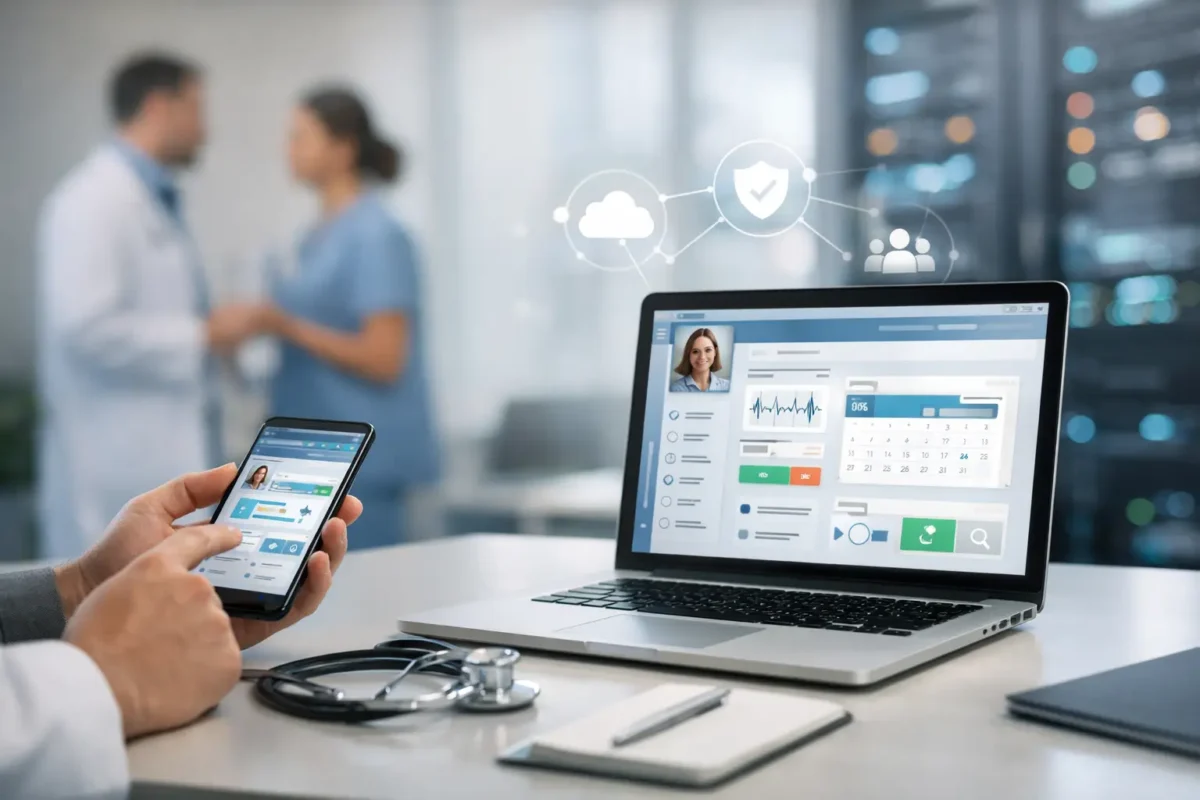
A patient portal can reduce phone volume, missed appointments, intake delays, and staff frustration – but only when patients can actually use it and your team can trust the information inside it. To build patient portal software that delivers those results, healthcare organizations need more than a login screen and a document library. They need a secure, purpose-built system designed around real patient and clinical workflows.
For clinics, telemedicine providers, pharmacies, specialty practices, and multi-location healthcare organizations, the right portal becomes a practical operating tool. It gives patients timely access to care information while giving staff a more organized way to manage requests, communications, and documentation.
Start With the Workflow, Not the Feature List
Many portal projects become expensive because teams begin by collecting every possible feature. The result is often a crowded interface that patients avoid and staff struggle to maintain. A better starting point is to identify the transactions that currently create the most friction.
For a primary care clinic, that may mean appointment requests, digital intake forms, prescription refill requests, lab result notifications, and secure messages. A pharmacy may prioritize refill status, medication history, payment workflows, and delivery notifications. A telemedicine business may need patient registration, consent collection, visit scheduling, video access, and post-visit follow-up in one connected experience.
Ask operational questions before selecting technologies or designing screens. Which calls does the front desk receive repeatedly? Where do incomplete forms slow down appointments? Which requests require manual follow-up? What information do patients ask for but cannot access without calling? Those answers define the first version of the portal far better than a generic checklist.
A focused first release also makes adoption more likely. Patients should be able to complete common tasks quickly on a mobile device, while staff should not need to manage the same request across email, phone, paper forms, and multiple disconnected systems.
Core Features to Build Into Patient Portal Software
The best feature set depends on the type of care you provide, your existing systems, and the maturity of your internal processes. Still, most successful portals need a reliable foundation that handles the patient journey before, during, and after care.
The core capabilities typically include:
- Secure registration, login, password recovery, and multi-factor authentication
- Patient profile management, including contact details, insurance information, and preferred communication methods
- Appointment scheduling, rescheduling, cancellation, reminders, and waitlist workflows
- Digital intake forms, medical history updates, consents, and document uploads
- Secure messaging with routing rules so requests reach the appropriate team member
- Access to visit summaries, care plans, test results, statements, and other approved records
- Prescription refill requests and medication-related communications
- Online payments, invoices, receipts, and payment-plan options when applicable
Each feature must have a clear ownership model. For example, a refill request cannot simply land in a general inbox. The portal should capture the medication, pharmacy preference, patient details, and required acknowledgments, then route the request to the proper clinical or pharmacy workflow. That is how software reduces administrative work instead of creating another queue to manage.
Design for patients under real conditions
Patients may be using the portal from a phone in a parking lot, during a work break, or while managing care for a family member. Clear labels, short forms, large tap targets, plain-language instructions, and accessible design are operational requirements, not cosmetic choices.
Avoid forcing users to enter information your organization already has. Prepopulate known data when appropriate, show progress in multi-step forms, and make error messages specific. If a patient cannot understand why a form will not submit, they will call your office, defeating the purpose of the portal.
Security and Compliance Must Shape the Architecture
Patient portal software handles protected health information, which means security cannot be added after development is complete. It must guide architecture, user roles, data storage, integrations, testing, and support processes from the beginning.
For US healthcare organizations, HIPAA requirements are a central consideration. However, compliance is not a product feature that can be purchased with a checkbox. It is an ongoing combination of technical controls, administrative safeguards, documented policies, vendor management, and workforce practices. Legal and compliance professionals should validate the requirements that apply to your organization.
From a technical perspective, the portal should use encryption in transit and at rest, role-based access controls, audit logs, secure session management, data backup procedures, and tested incident-response processes. Access should be limited by job function. A billing employee, for instance, may need payment and demographic data but should not automatically receive broad access to clinical records.
Third-party services require the same scrutiny. Video platforms, cloud infrastructure, messaging providers, payment processors, analytics tools, and electronic signature vendors can all affect your risk profile. Before connecting a service, confirm whether it handles protected health information, what contractual protections are required, where data is stored, and how access is logged.
Build auditability into every sensitive action
A patient record is not secure simply because it requires a password. Organizations need a traceable record of who viewed, changed, exported, or sent sensitive information. Well-designed audit logs help investigate incidents, resolve disputes, and support internal compliance reviews.
Logs should be protected from casual alteration and should capture meaningful context, including user identity, time, action, affected record, and source location when available. This level of accountability is especially valuable for organizations with multiple locations, remote staff, or outside clinical partners.
Integrate Carefully With Existing Systems
A portal becomes far more valuable when it connects to the systems your organization already uses. Yet integrations are also where many projects become complicated. Electronic health record platforms, practice management tools, pharmacy systems, billing software, CRM platforms, and telehealth applications may each maintain different versions of patient data.
Before development begins, identify the system of record for each data type. Decide where demographic updates originate, how appointment changes synchronize, which documents can appear in the portal, and whether data moves in real time or on a scheduled basis. Without these decisions, patients may see outdated appointments, duplicate profiles, or inconsistent balances.
API availability matters, but an API alone does not guarantee a good integration. Development teams must account for data mapping, duplicate handling, error queues, rate limits, permissions, and downtime. They also need a plan for what staff should do when synchronization fails. A reliable portal makes exceptions visible instead of silently losing information between platforms.
For organizations still using older systems, a phased approach may be more practical than trying to connect everything immediately. Start with high-value workflows that can be supported safely, then expand integration coverage as internal data and processes improve.
Choose a Build Strategy That Matches Your Growth Plan
There are three common paths: configure an off-the-shelf portal, extend a platform already connected to your EHR, or commission custom development. None is automatically right for every organization.
An off-the-shelf platform can be faster to launch and may work well for standard workflows. The trade-off is limited control over branding, user experience, data flows, and specialized operations. Extending an existing EHR portal can reduce integration effort, but it may inherit usability constraints and feature limitations that affect patient adoption.
Custom patient portal development is often the best fit when your organization has differentiated workflows, multiple service lines, unusual integrations, or plans to scale across locations. It provides control over the user experience and operational logic, but it requires disciplined discovery, technical planning, budget ownership, and ongoing maintenance.
AdonisTechs helps healthcare organizations evaluate these trade-offs and develop custom portals around the workflows that affect patient service, staff efficiency, and growth. The objective is not to add technology for its own sake. It is to build a secure system your organization can operate confidently as needs change.
Plan the Rollout Before You Write the Final Line of Code
A portal launch is a process change, not just a software release. Front-desk staff, clinical teams, billing personnel, and patients all need a clear understanding of what the portal can do and where requests should go.
Begin with a pilot group or limited feature release when possible. Track registration completion, appointment self-service usage, form completion rates, message response times, support tickets, and call-volume changes. These measures reveal whether the system is producing operational value or simply shifting work to a different channel.
Training should be role-specific. Staff need practical instructions for handling messages, correcting patient information, escalating clinical questions, and responding when a patient cannot access the portal. Patients need concise onboarding communications that explain the immediate benefit: manage an appointment, complete forms before arrival, access approved records, or pay a balance online.
Keep improving after launch. The strongest portal teams review failed form submissions, abandoned registration steps, repeated support questions, and workflow bottlenecks on a regular basis. Small improvements to a confusing field, routing rule, or mobile screen can produce measurable gains in adoption.
A patient portal earns its value when it makes care easier to access and operations easier to manage. Start with the workflows that matter most, protect patient data at every layer, and build each next feature only when it supports a clear business and care-delivery outcome.